


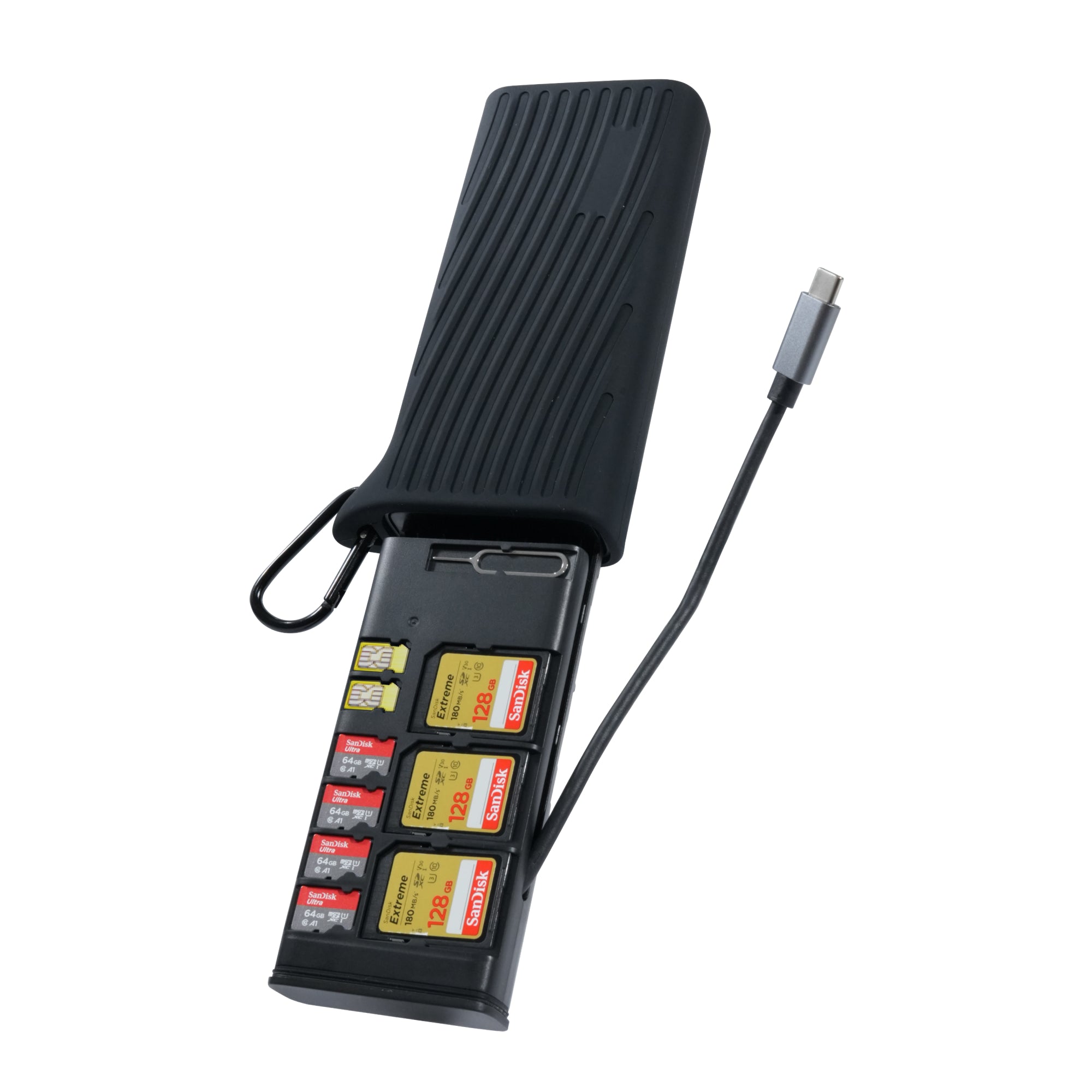

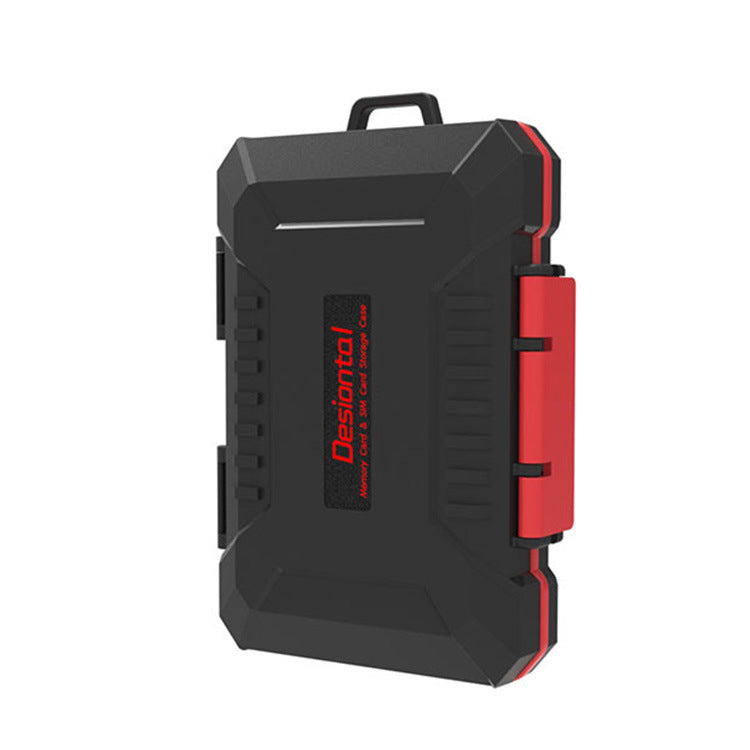
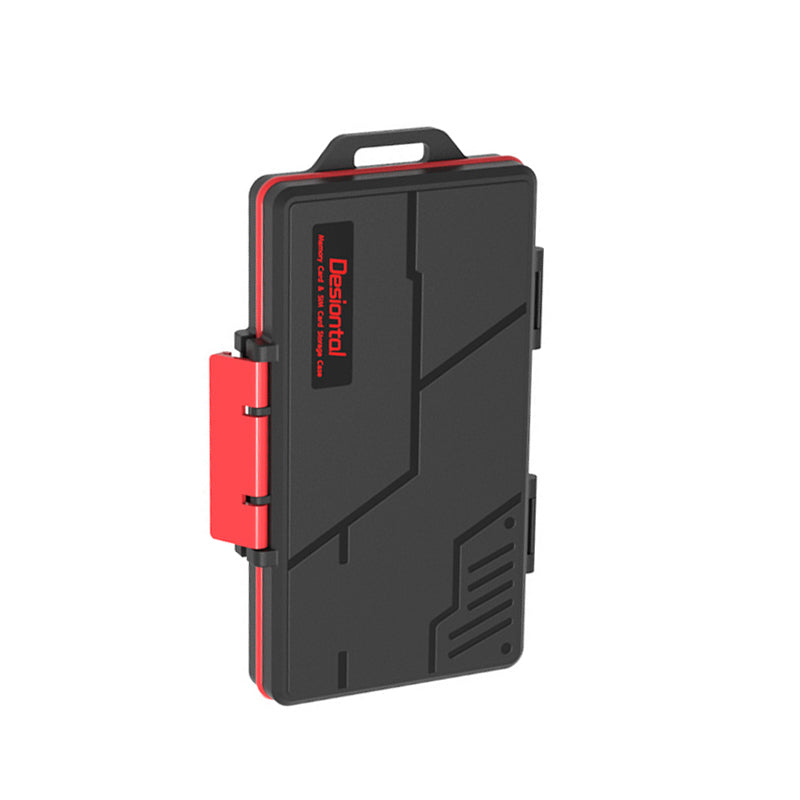


For landscape photographers and outdoor video creators, running out of storage can be just as frustrating as missing the perfect shot.
High-resolution RAW photos, 4K videos, and time-lapse footage can quickly fill up multiple SD or CFexpress cards over a full day of shooting. Carrying extra cards helps, but constantly swapping them and sorting files later isn't always convenient.

Traditional backups usually require a computer. But when you're shooting outdoors, do you really need to carry a laptop just to protect your footage?
Not anymore. The StationPC NAS PA100 Pro offers a simpler way to back up camera files directly from memory cards to an SSD — no computer required.

Back Up RAW Photos and Videos Without a Laptop
The PA100 Pro features built-in SD 4.0 and CFexpress Type B card slots, allowing you to read both card formats directly.Simply insert your memory card and start a backup using the device's built-in screen or mobile app. Your files are transferred directly to an M.2 NVMe SSD, without connecting to a computer.

It's a more convenient way to manage storage on the go while keeping your camera gear setup lightweight.
Reliable Backups, Wherever You Shoot
Convenience is important, but outdoor backups also need to be dependable. Two things matter most: power availability and file integrity.
The PA100 Pro comes with a built-in 3,200mAh battery, so you can back up files without a fixed power source. It also supports M.2 NVMe SSDs up to 8TB, providing plenty of room for large RAW libraries and video projects.
Built-in file verification helps check data integrity after transfer, giving you greater confidence that your files have been copied successfully.
A Simpler On-the-Go Backup Workflow
For longer shooting sessions, backing up during breaks can help keep your memory cards ready for the next round.
- Before heading out: Check the available space on your memory cards and PA100 Pro SSD.
- During the shoot: Rotate between memory cards to avoid running out of space.
- During breaks: Insert used cards into the PA100 Pro and start backing up.
- After backup: Check the verification results and keep your original cards until you've confirmed that additional copies are safely stored.
For important footage, never rely on a single copy. Keeping the original memory card and another backup is a safer way to protect your work.
Your camera, lenses, and tripod already take up plenty of backpack space. There's no need to bring a laptop just to back up your footage.
With dual card slots, a built-in battery, and expandable SSD storage, the PA100 Pro offers outdoor photographers a compact and practical way to manage backups on the go.
Travel light, shoot freely, and keep your footage backed up — no laptop needed.


